 StockPro

Know the van before you leave
See quantity by location. Transfer from storeroom to vehicle in one movement, with an audit trail.
For HVAC, electrical, and field-service teams
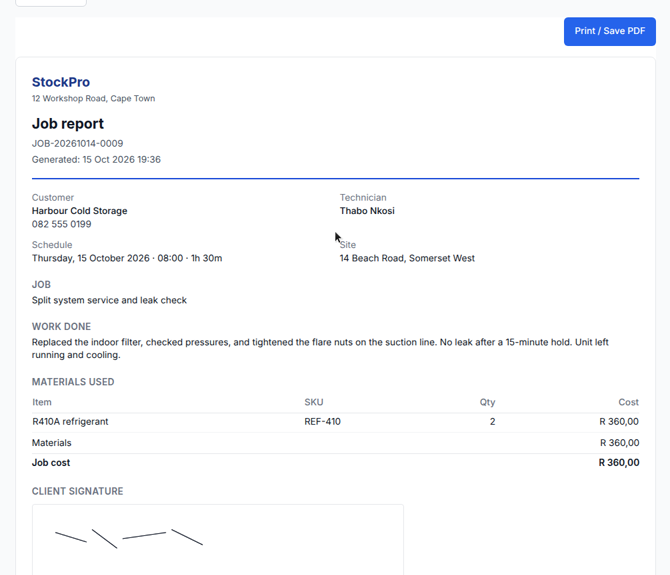
StockPro is stock control for HVAC, refrigeration, and field-service teams in South Africa. Track parts on the storeroom and every service vehicle, assign each job to one technician, and close it on site with a work report, photos, and the client's signature. Print the signed job report — or an up-to-date van stock list — in minutes.
14-day free trial, then from R150/month for 2 users. Pro is R250/month for 10 users.
Spreadsheets go stale the moment a technician leaves the yard. StockPro is the running record of what you bought, transferred, used, and returned.
See quantity by location. Transfer from storeroom to vehicle in one movement, with an audit trail.
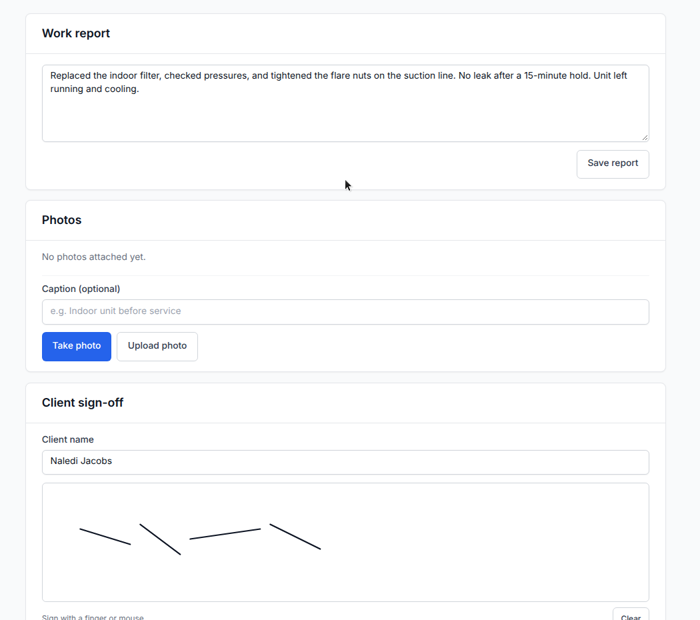
Issue parts from the vehicle to a jobcard, return unused stock, and leave site with the work written up and signed.
Print a current van or storeroom stock list on demand, with your letterhead. No weekend of spreadsheets when they ask for an up-to-date stock list.
Field jobs
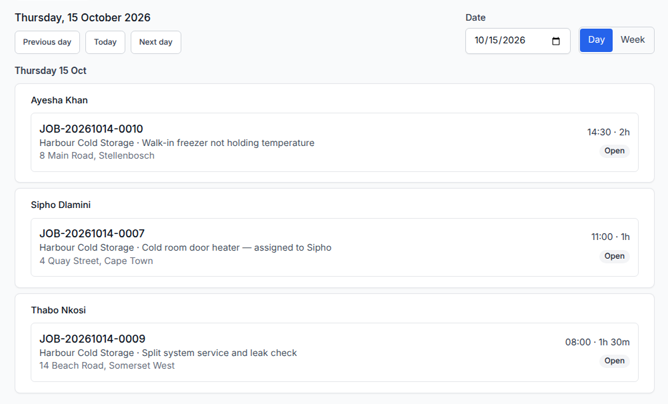
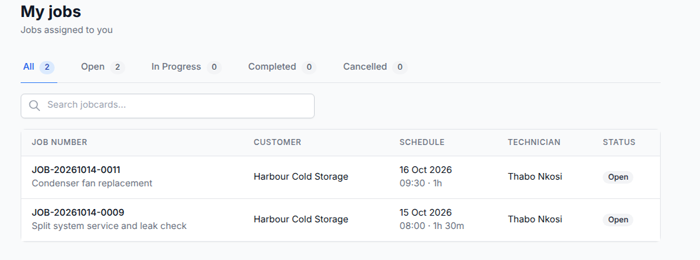
One person per job, a day or week on the board, and a signed report before they leave — written, photographed, and signed from the phone, including when there is no signal.
One product for inventory, jobs, scanning, and the people who use them.
Track quantity per item per location. Add more vehicles as the fleet grows. Print a van list before the first call.
Assign one technician, set the date, start time, and duration, and follow the crew on a day or week board. On site they allocate parts, write the report, add photos, and collect a signature.
Native apps can scan a barcode or QR and match it to a SKU. Camera frames stay on the device — they are not uploaded.
Install the PWA and keep working through a dead spot. Stock movements, the work report, photos, and the client signature queue until you are back online.
Vehicle stock, storeroom, low stock, job materials, and movement history — formatted for A4 with your company letterhead. Helps you answer an auditor's request for an up-to-date stock list in minutes.
Invite technicians into the same organisation. Each person sees only their own My jobs. Owners and admins see the full schedule. Companies stay isolated.
A short loop your team can run every day.
Book supplier stock into the storeroom, then transfer what the van needs for the day.
Open the job, allocate parts from the vehicle, write what you did, and collect the client's signature before you leave site.
Print the signed job report or the van stock list, catch low stock, and see materials cost against the job.
Create an account on the StockPro app. The 14-day trial starts immediately.
What field teams need to hear
Real customer quotes will replace these placeholders after launch conversations.